
Update the browser
An outdated browser can break scripts, game frames or authentication flows. Update before assuming the account is blocked.
Gamdom’s current Help Center states that there is no Gamdom operator mobile app. Any casino app claiming to be the Gamdom operator app should therefore be treated as unaffiliated unless Gamdom changes that position in its own current channels.
Enter passwords, verification documents and payment credentials only in the operator account flow. This page does not contain an account authentication form.
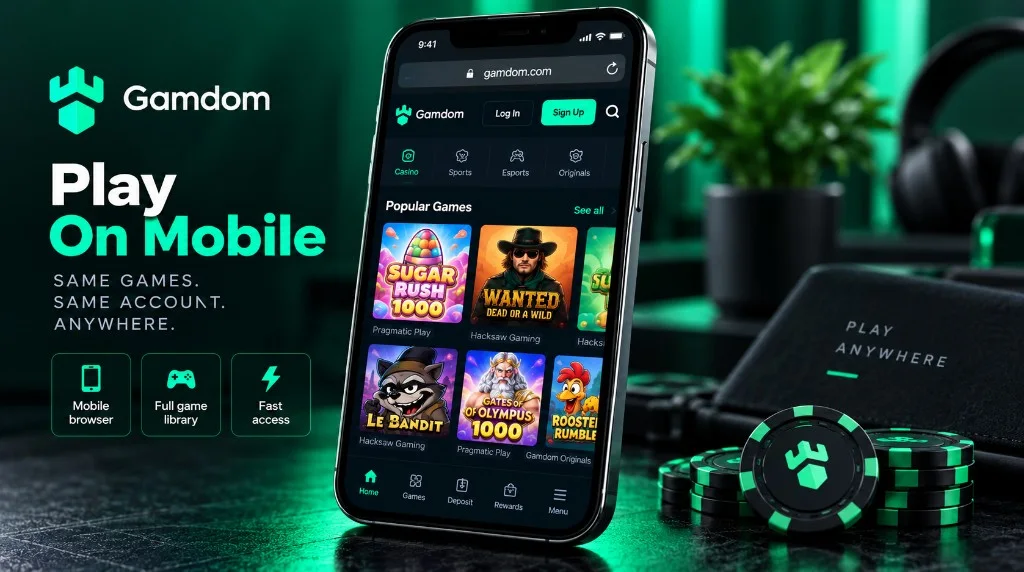
Gamdom published a security notice stating that it does not have an native mobile app distributed by the operator and that apps presented as Gamdom can be fake or used for scams. The appropriate mobile route is the Gamdom website in a modern browser.
| Search | Current answer | Safe action |
|---|---|---|
| Gamdom app | No official casino app according to Gamdom Help Center | Use the mobile website. |
| Gamdom iOS app | No official iOS casino app confirmed | Do not trust a store listing solely because it uses the Gamdom name. |
| Gamdom Android / APK | No official Android casino app or APK confirmed | Do not sideload an APK that claims to be official. |
| Mobile login | Use the same account method as on desktop | Email/password, Google, Steam or Telegram depending on registration. |
Using the website means the same account, rewards and game library are accessed through the browser instead of through a separate app-store identity. That reduces ambiguity about whether an app publisher is genuinely connected to Gamdom.
A mobile browser can also save a home-screen shortcut if your operating system supports it. A shortcut is still just a link to the website; it does not turn the site into a separately verified native app.
Gamdom’s security notice specifically warns that third parties may impersonate staff or publish unaffiliated apps. Search engines and app stores can contain products with similar names, so the publisher identity and Gamdom’s own current statements matter more than the app title or icon.
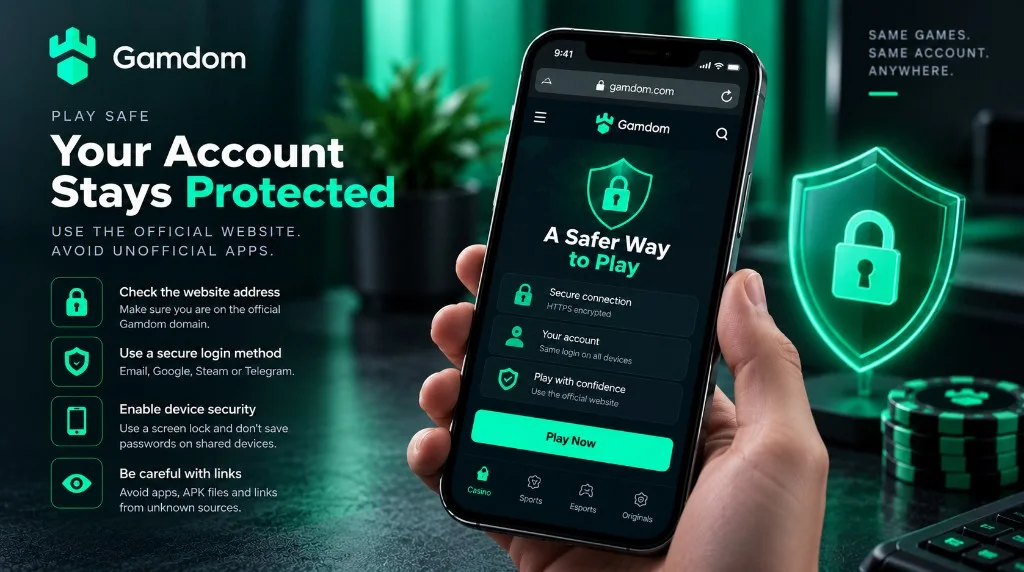
Never enter a casino password, recovery phrase, wallet seed or one-time code into an app just because it uses the Gamdom name or branding.
An outdated browser can break scripts, game frames or authentication flows. Update before assuming the account is blocked.
Gamdom recommends clearing cache and cookies as part of common troubleshooting when pages or games fail to load correctly.
Gamdom recommends disabling them. They can cause location, session and provider-access problems.
This site uses one sponsored referral destination. Check the offer and account terms shown on the destination before creating an account.
The supplied Gamdom security material describes the mobile experience as browser-based rather than dependent on a native application. That means account access, game browsing, wallet activity and rewards should be approached through the responsive website. A home-screen shortcut can provide faster access without installing an unverified package.
On mobile, verify the destination before entering credentials, keep the operating system and browser current, and avoid saving passwords on shared devices. Do not sideload APK files or trust a store listing solely because it uses the brand name or artwork.
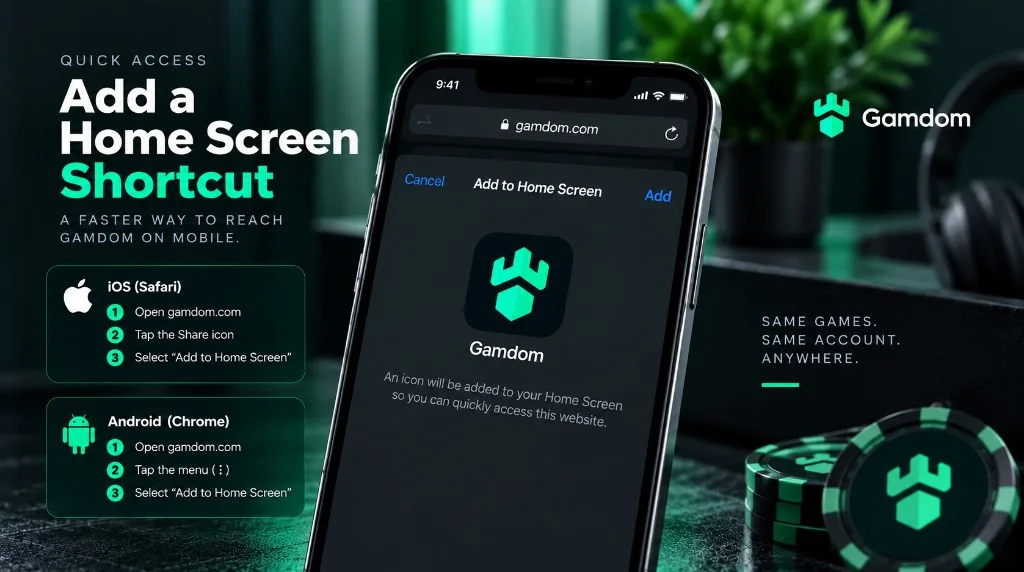
Open the operator platform in the normal browser and use the browser’s “Add to Home Screen” or equivalent feature. The shortcut should resolve to the same operator destination.
Use device lock, sign out on shared devices and protect the email or social account used for authentication. Avoid screenshots containing wallet addresses, identity documents or recovery data.
If the mobile site behaves incorrectly, start with a normal browser refresh, confirm network connectivity and check whether privacy or content-blocking settings are interfering with scripts. Clearing site data can remove stale sessions, but it will also sign the user out, so recovery access should be available first.
A verification request, location restriction or account limitation will not be solved by installing another browser or an unofficial app. Those states must be handled through the operator account and support process.
Gamdom’s current Help Center says no. It describes Gamdom as website-only and warns users about fake apps.
No Gamdom operator casino APK is confirmed by the current Help Center. Avoid sideloading files that claim to be official.
The safe path described by current Gamdom material is the mobile website in a browser, subject to country availability.
Yes, use the same registration method and account identity you use on desktop.