Wrong sign-in method
Try the service originally used when the account was created rather than cycling through unrelated credentials.
Gamdom currently supports account creation and sign-in through email/password, Google, Steam and Telegram. Login problems often come from using a different method from the one originally linked to the account.
Enter passwords, verification documents and payment credentials only in the operator account flow. This page does not contain an account authentication form.
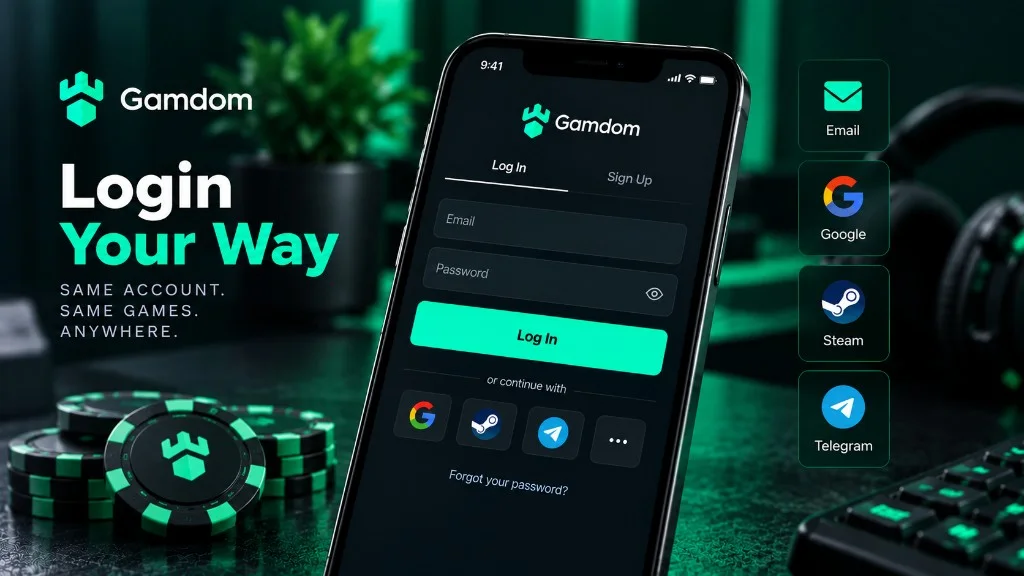
| Method | Login behavior | Recovery note |
|---|---|---|
| Email and password | Uses the credentials created for the Gamdom account | Password reset is available from the login screen. |
| Uses the linked Google account | Gamdom says Google-linked accounts do not have a separate Gamdom password. | |
| Steam | Uses the linked Steam account | An email can be added from the profile; Steam login remains the original access path. |
| Telegram | Uses the linked Telegram account | An email may still be needed for account functions such as withdrawals. |
Open Gamdom through a known route rather than a random app, social-media message or search ad. This site’s commercial CTA goes only to the disclosed partner URL.
If you registered through Google, Steam or Telegram, do not expect an email-password combination to work unless Gamdom explicitly provided one.
For password accounts, use the password-reset function. Check spam or junk folders if the reset email does not arrive promptly.
If you lost access to the linked email or social account, account company structure may need to be verified through Gamdom support.
Gamdom’s troubleshooting material says Steam and Telegram accounts can add an email in the profile, and an email must be verified for functions including withdrawals. Google-linked accounts are treated differently because the linked Google identity is already part of the sign-in flow.
Keeping your profile information current helps reduce recovery friction. Gamdom also distinguishes between a login username and a public display username for password-based accounts.
Gamdom’s Help Center recommends basic browser troubleshooting and specifically advises disabling VPNs or proxies. A VPN can also conflict with location rules, so this site does not provide bypass instructions.
Try the service originally used when the account was created rather than cycling through unrelated credentials.
Clear cache and cookies, update the browser and retry from a stable connection if the interface behaves incorrectly.
A region restriction can affect the whole site or individual game providers. Do not attempt to circumvent it.
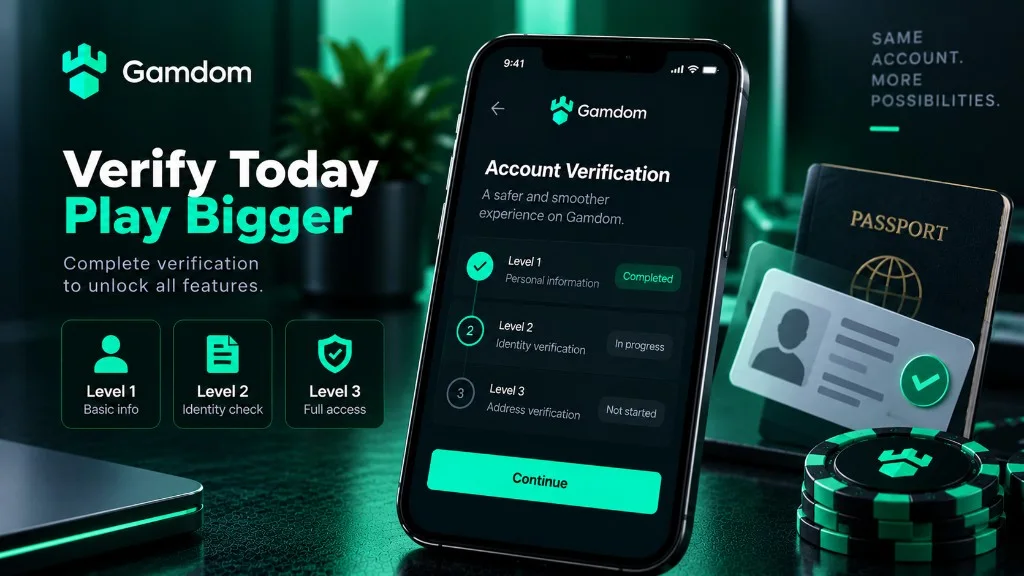
Being able to sign in does not guarantee that every account function is available. Gamdom can request identity verification or restrict specific actions during a compliance or risk platform overview. If that happens, follow the instructions shown in the account rather than creating a duplicate account.
Gamdom states that each player may have only one active account. Creating duplicates can lead to account action and can complicate recovery.
This site uses one sponsored referral destination. Check the offer and account terms shown on the destination before creating an account.
A new account should be created with one stable identity and one sign-in route. If registration used Google, Steam or Telegram, later access should normally begin with that same provider. If registration used email and password, retain access to the email address and use the operator recovery flow when the password is forgotten. Creating a new account to solve a login problem can conflict with one-account rules.
A successful login only confirms access to the account. It does not by itself confirm eligibility for every game, promotion or withdrawal method. Location checks, payment-provider rules and verification requests can apply after sign-in.
Check the exact sign-in method, browser session, email access and whether the account is restricted. Use password reset only for an email/password account.
Read the request in the live account carefully. Submit documents only through the operator process and make sure names, dates and addresses match the account details.
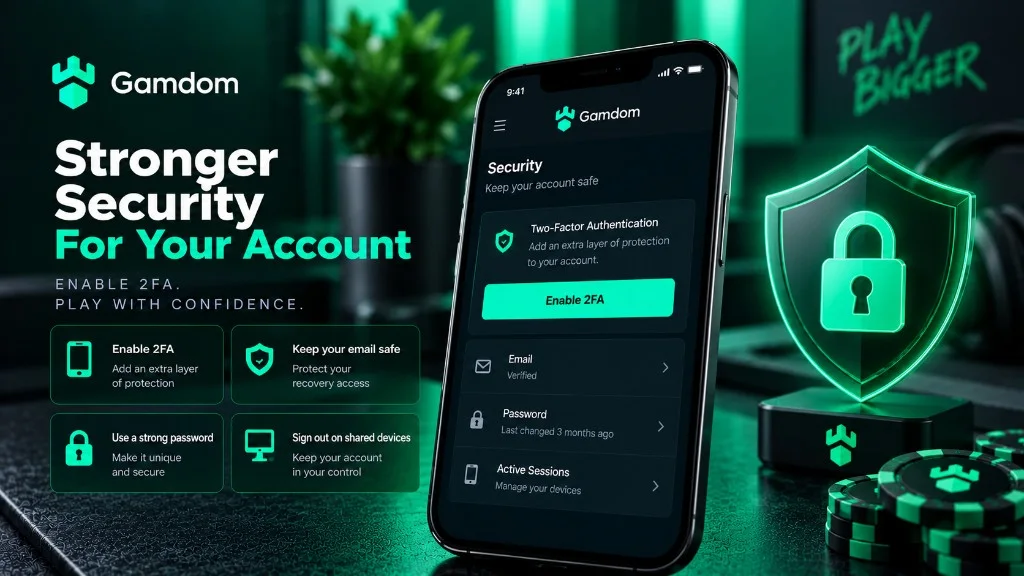
Account recovery is safer when security is configured in advance. Keep the connected email or social profile protected, avoid shared devices for persistent sessions, sign out of public devices, and verify the destination domain before entering credentials. If two-factor authentication is available, enable it before depositing rather than after a security incident.
Never send passwords, one-time codes, identity documents or seed phrases to this domain. Account credentials belong only in the operator authentication flow reached through the destination platform.